


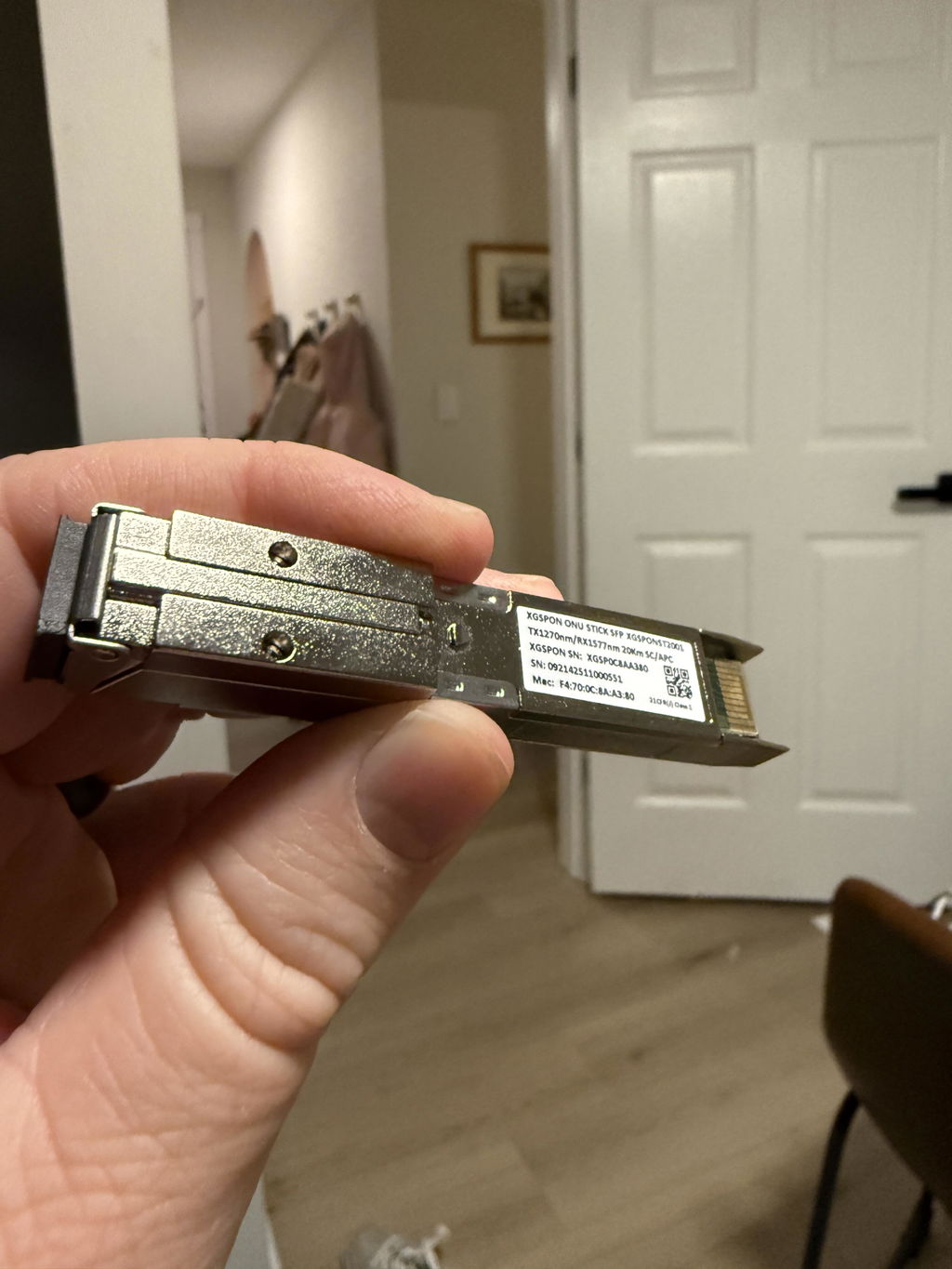
The X-ONU-SFPP is an SFP+ XGS-PON optical network terminal (ONT). On compatible services, it connects your fiber line to a supported SFP+ host so you can use your own router or firewall.
Check your setup before ordering
- XGS-PON service: verify your connection type. Your ISP name or plan speed alone does not confirm compatibility.
- Broad host compatibility: works with Ubiquiti, MikroTik, TP-Link and other routers, switches, or NICs equipped with a compatible 10G SFP+ port.
- Your own router or firewall: the module provides the ONT function; routing and Wi-Fi require separate equipment.
- ISP-specific setup: pre-flashed firmware still needs configuration for your connection.
We handle the firmware flash.
Every unit is flashed by EXEN with unmodified 8311 community firmware. No vendor forks or custom firmware changes like similar modules. You can start with your ISP's configuration guide instead of flashing the module yourself.
The Azores bootloader provides a recovery path if needed. Free, responsive email support is included.
In the box: 1 × X-ONU-SFPP module with an SC/APC fiber connector. Cooler sold separately.
Technical specifications
| Module type | XGS-PON ONT |
|---|---|
| Host interface | 10G SFP+ |
| Fiber connector | SC/APC |
| Optical wavelengths | 1270 nm upstream 1577 nm downstream |
| Firmware | Unmodified 8311 community firmware |
| Bootloader | Azores |
| Default management IP | 192.168.11.1 |
Common questions
X-ONU-SFPP vs. WAS-110: What’s different?
The X-ONU-SFPP is functionally identical to the WAS-110 and uses the same core hardware. The X-ONU-SFPP has a smaller footprint and runs a few degrees cooler than the WAS-110. The WAS-110's heatsink is glued on creating a thermal barrier which actually raises core temperature slightly.
The X-ONU-SFPP and WAS-110 have both been equally reliable in the 8311 community.
Do I need a cooler?
Is this ready to use out of the box?
Will it work with my ISP?
Does it replace my router or Wi-Fi?
Does it come with a warranty?
Laser safety: never look into fiber ends. Handle fiber connections carefully.
Works great on Telus Fibre in Ontario. Really cleaned up my rack.
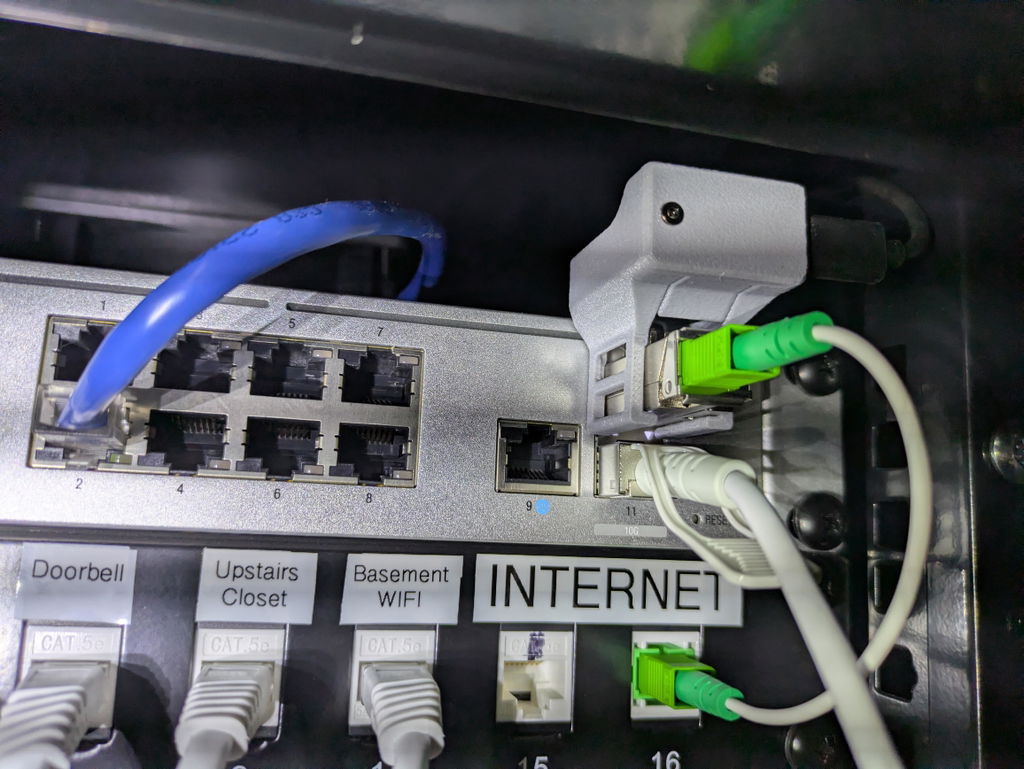
Works as advised, including running hot. :) Get the cooler.
Quick service!
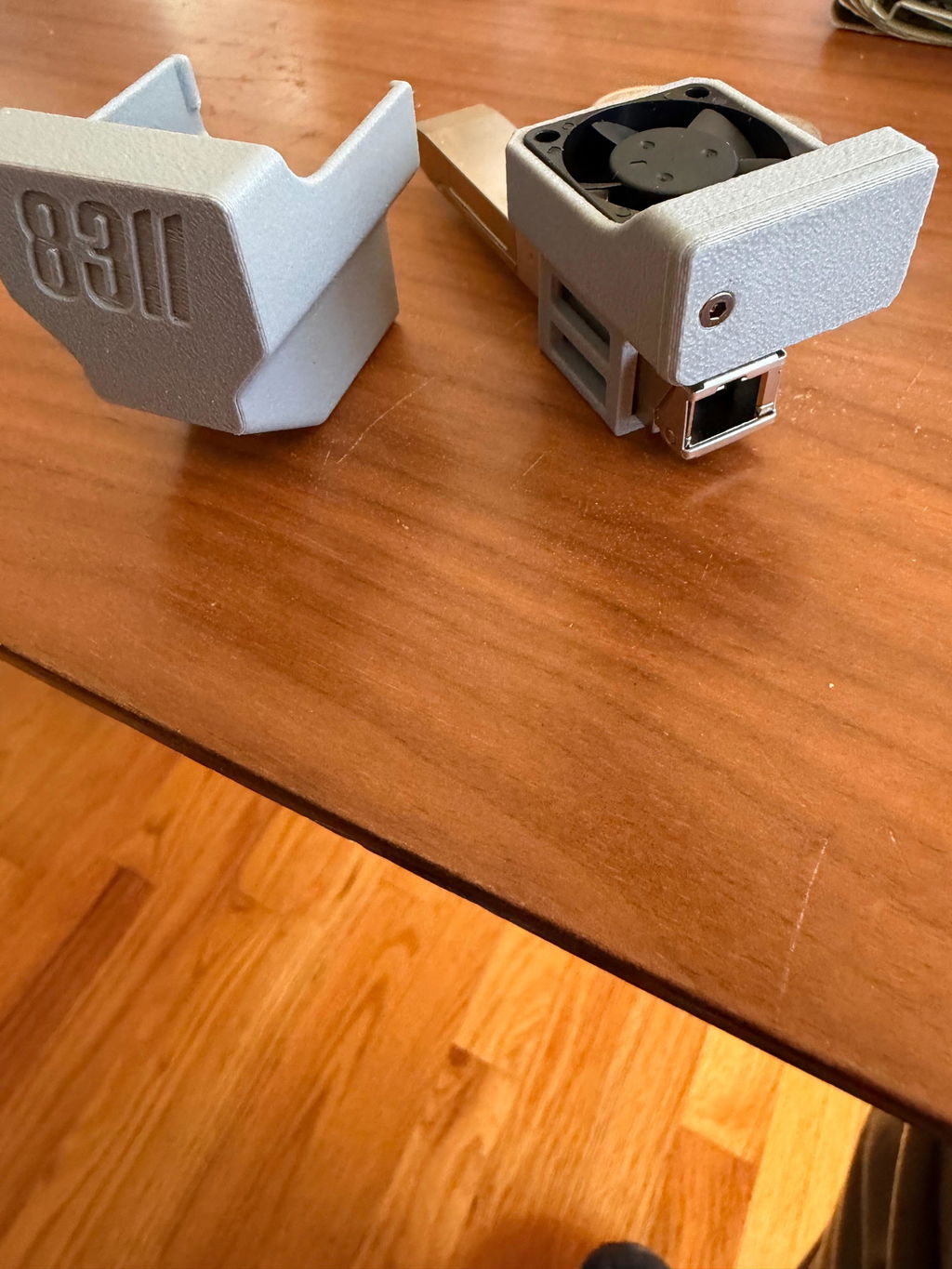
Super fast shipping and a really smooth process from start to finish. The X-ONU-SFP+ arrived already flashed with the latest 8311 firmware, which made setup incredibly easy. I had the ONT and the cooling fan up and running in under 20 minutes.
Couldn’t ask for much easier than that. Great experience and exactly what I was hoping for.
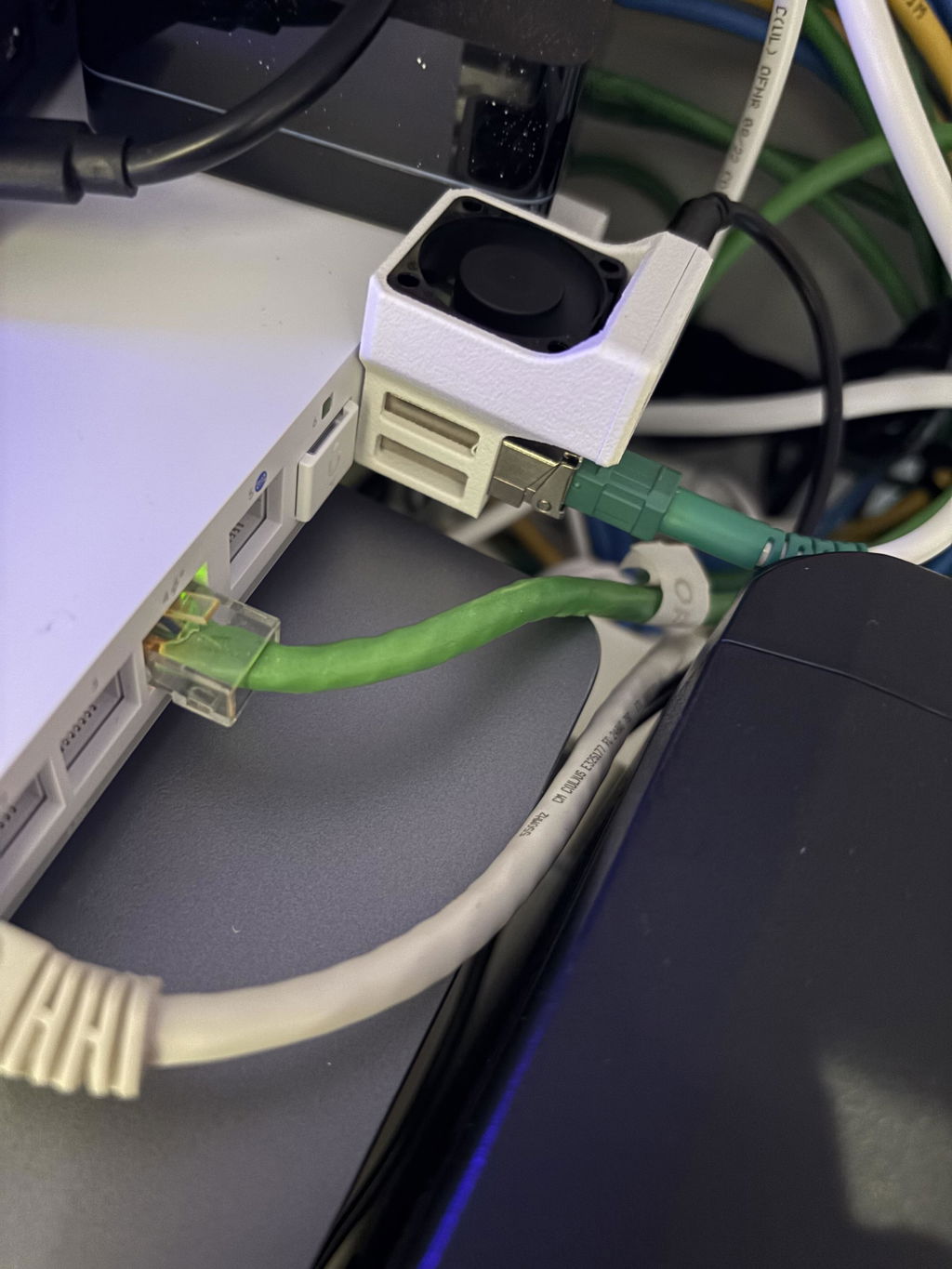
Works great! Setup was a breeze when following the GPON guides. Helped clean up my network closet! Works great with my Ubiquiti 8 Port POE Enterprise (with 2 SFP+ ports).
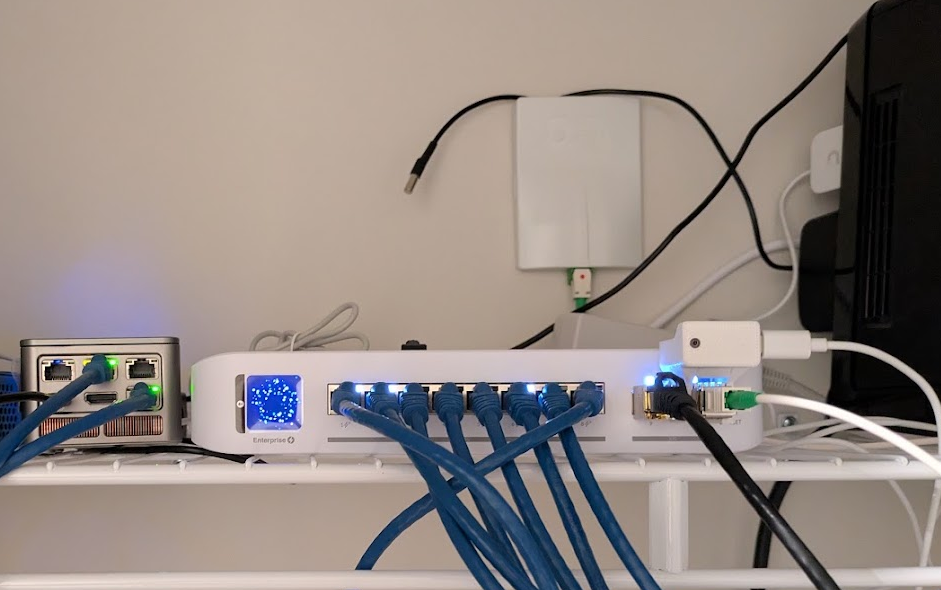
Qucikly shipped. Comes with the latest 8311 firmware. I got it with the UCG-Fiber cooling fan. Works ike a charm.
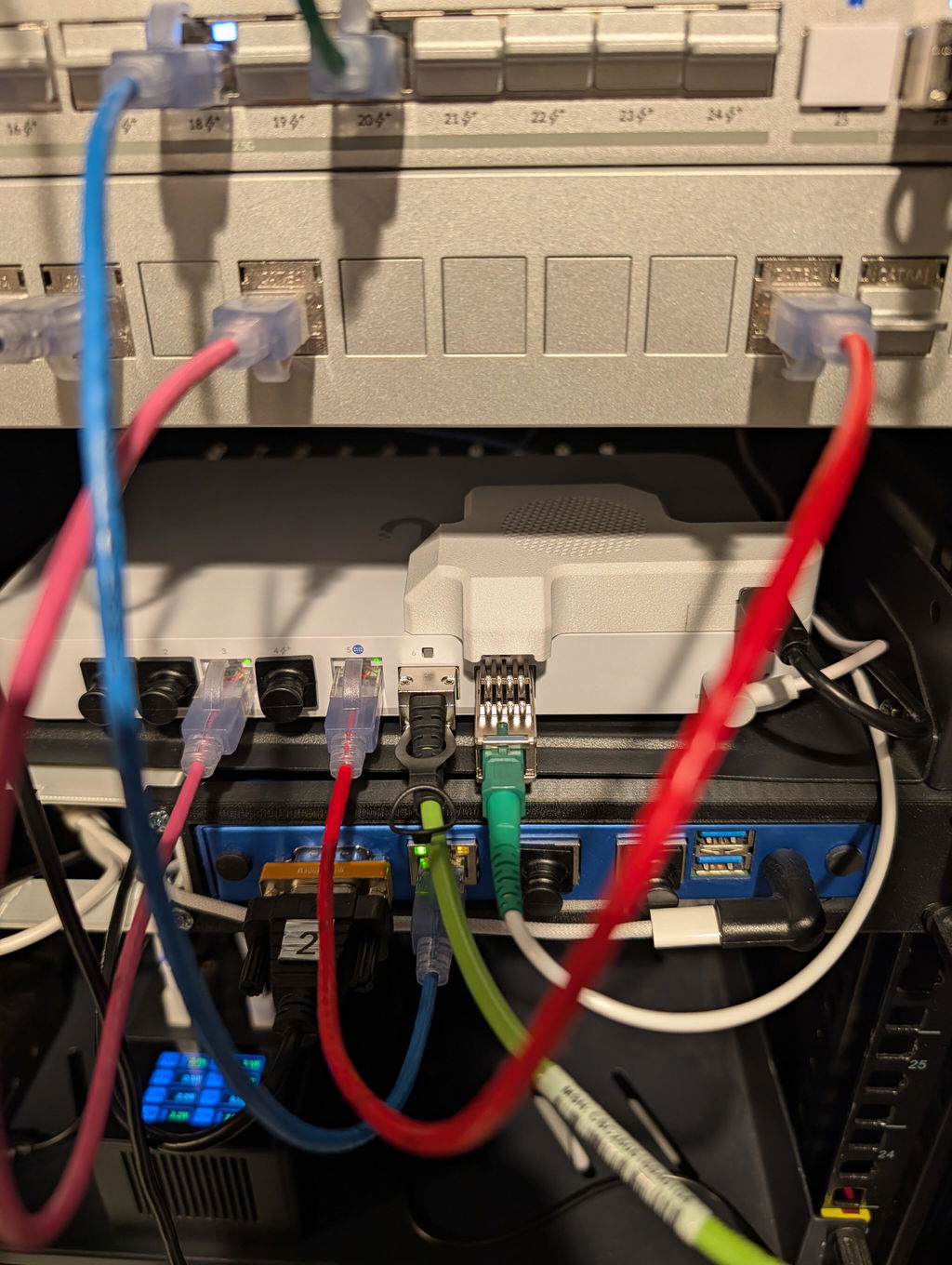
Works great! Make sure you put a fan on it.
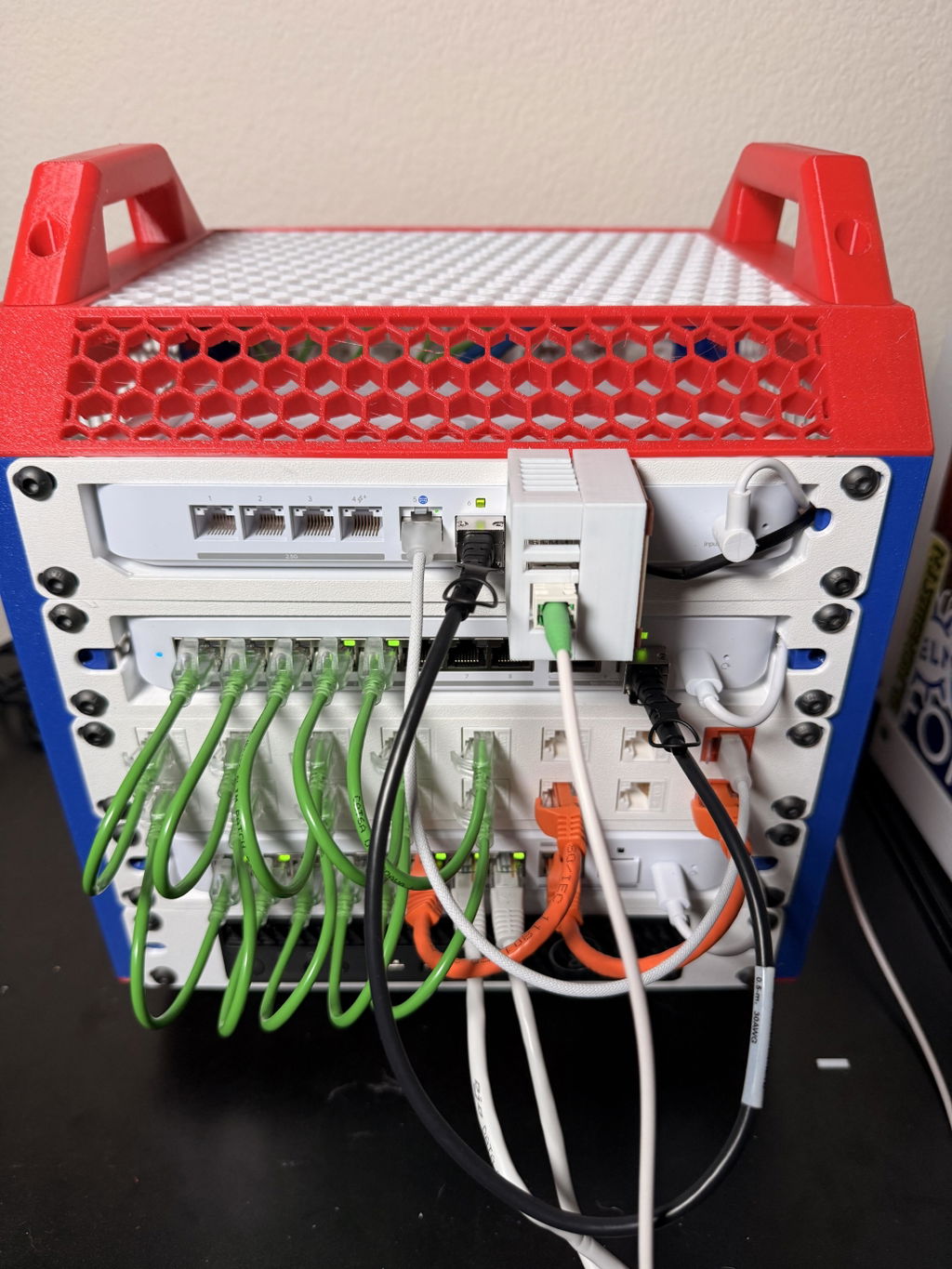
It's working perfectly between Frontier and a ucg-fiber
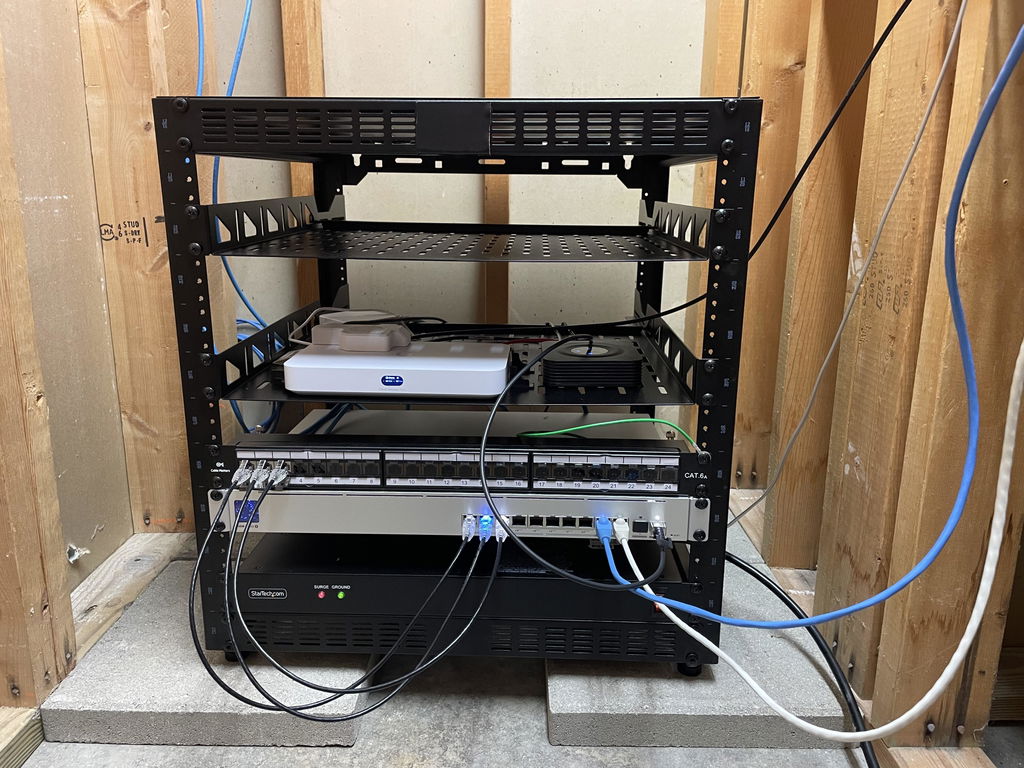
Works as expected in UDM-SE with Telus 3G business internet and static IPs
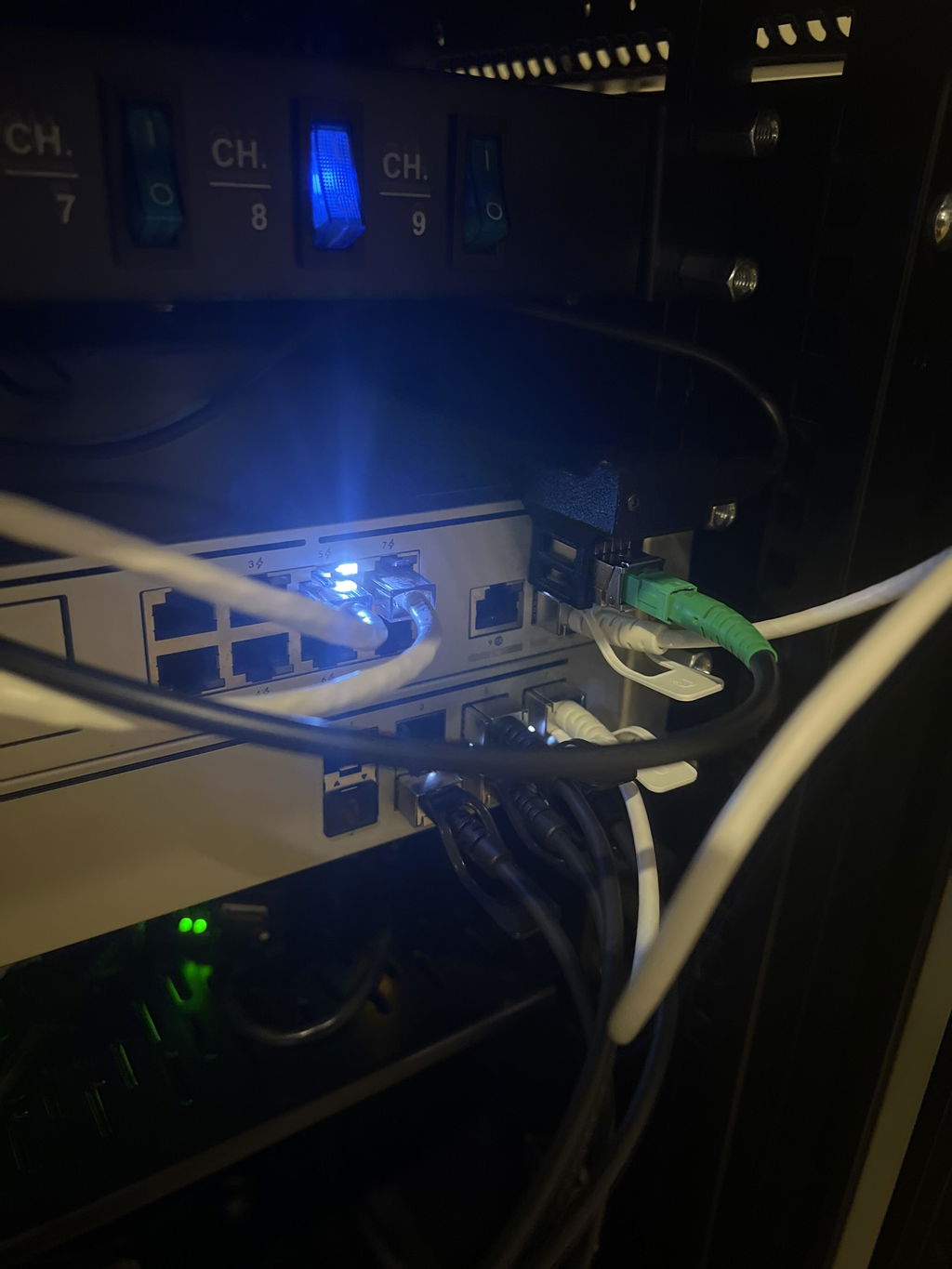
Very Happy with it. Works perfectly and added a cooler . Thank you Dallas for the support and helping me troubleshoot. Definitely recommended.
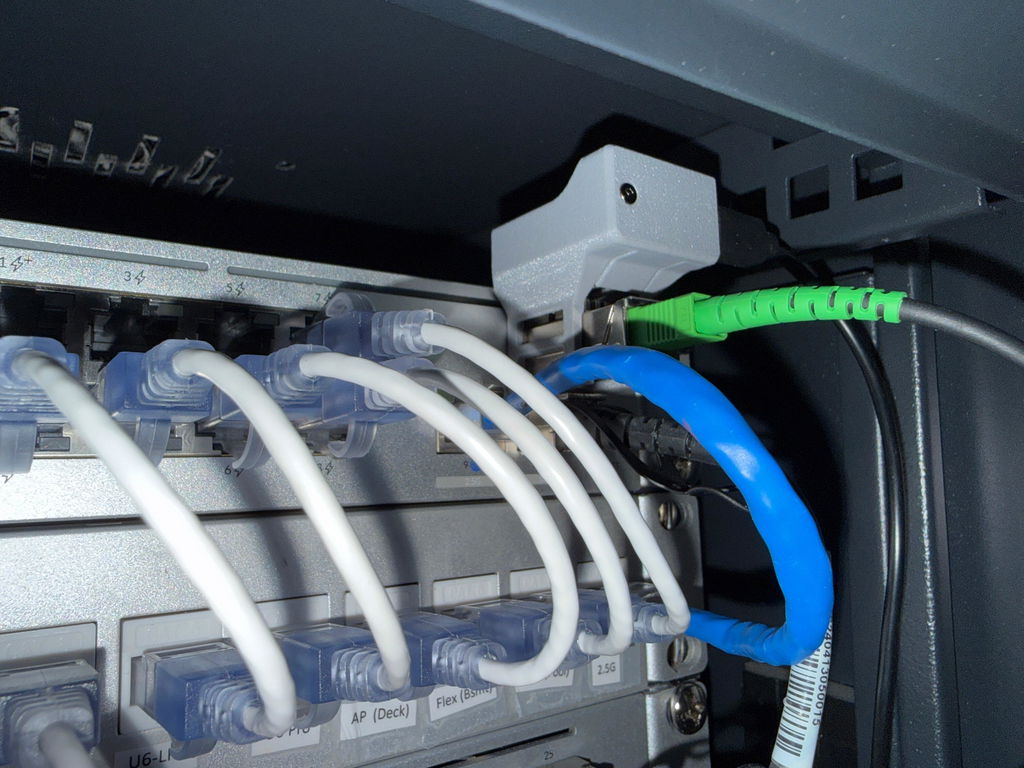
Worked great and firmware was flashed as expected. Thanks!
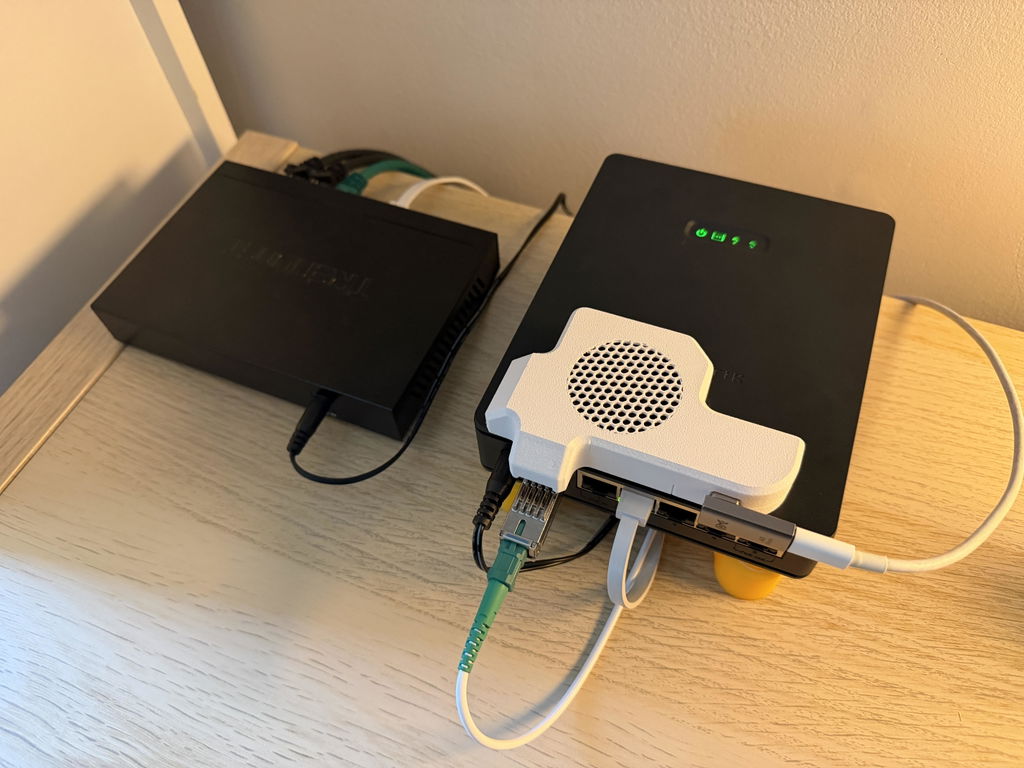
Worked perfectly out of the box, and the SFP cooler is a very high quality print, silent fan, and keeps things nice and cool. Fantastic products.
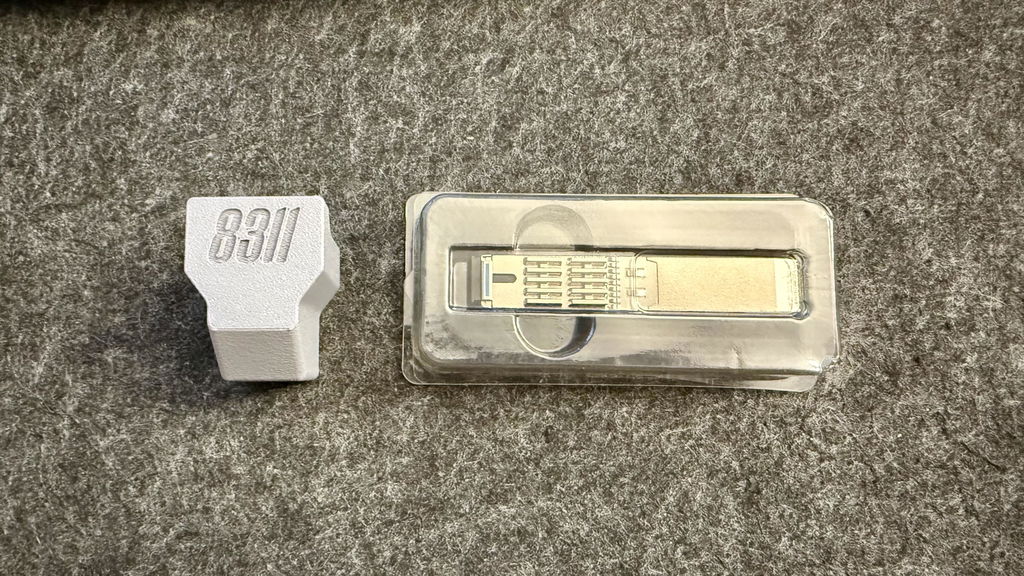
Exen is great. I ended up not needing it but this is a great product and set
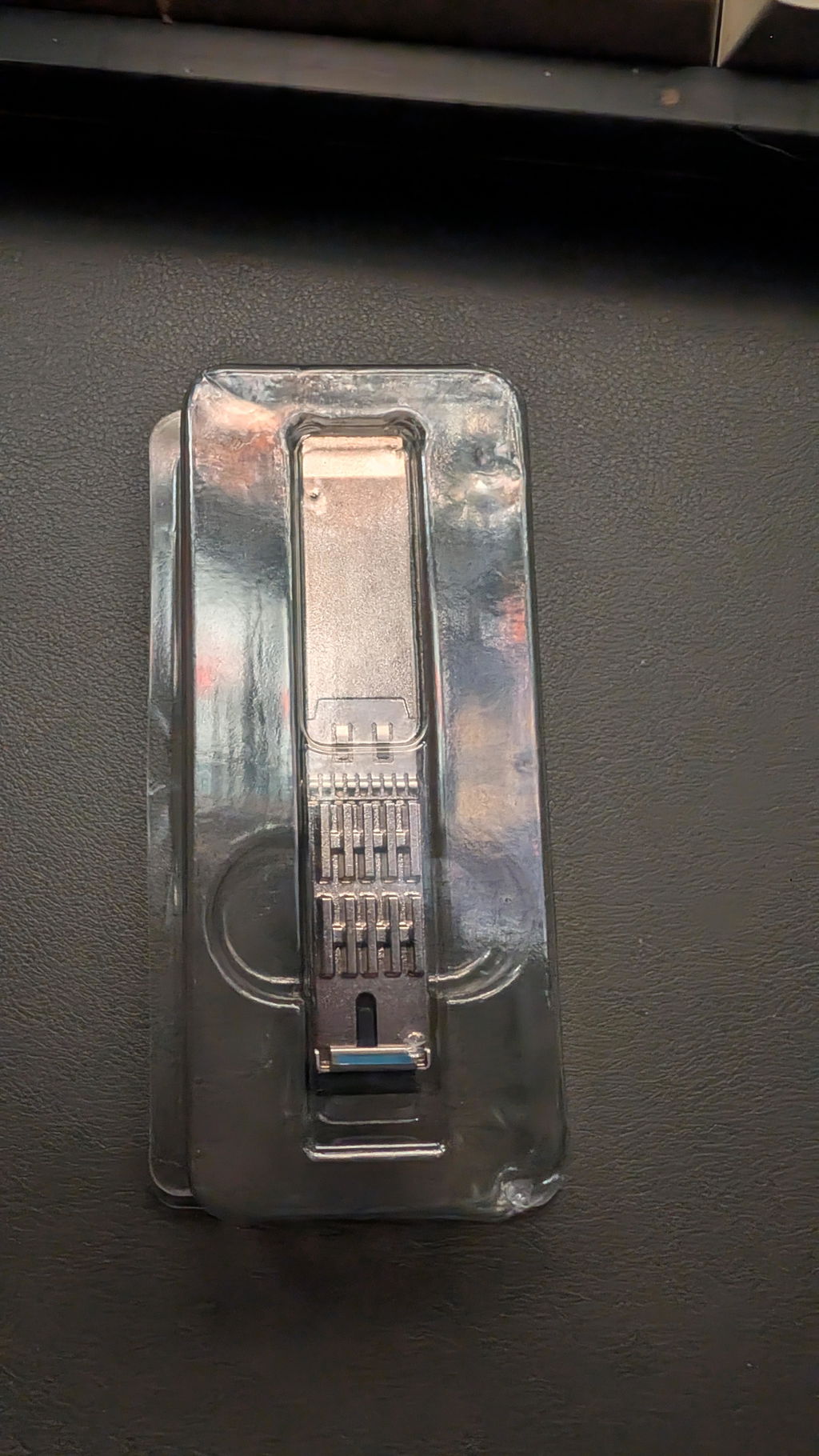
Really impressed with the amazing service and customer support/response. Epon module was so easy to set up almost plug and play and the 3d printed coolers available are so cool. Prices are also very good. Very satisfied customer thank u exen
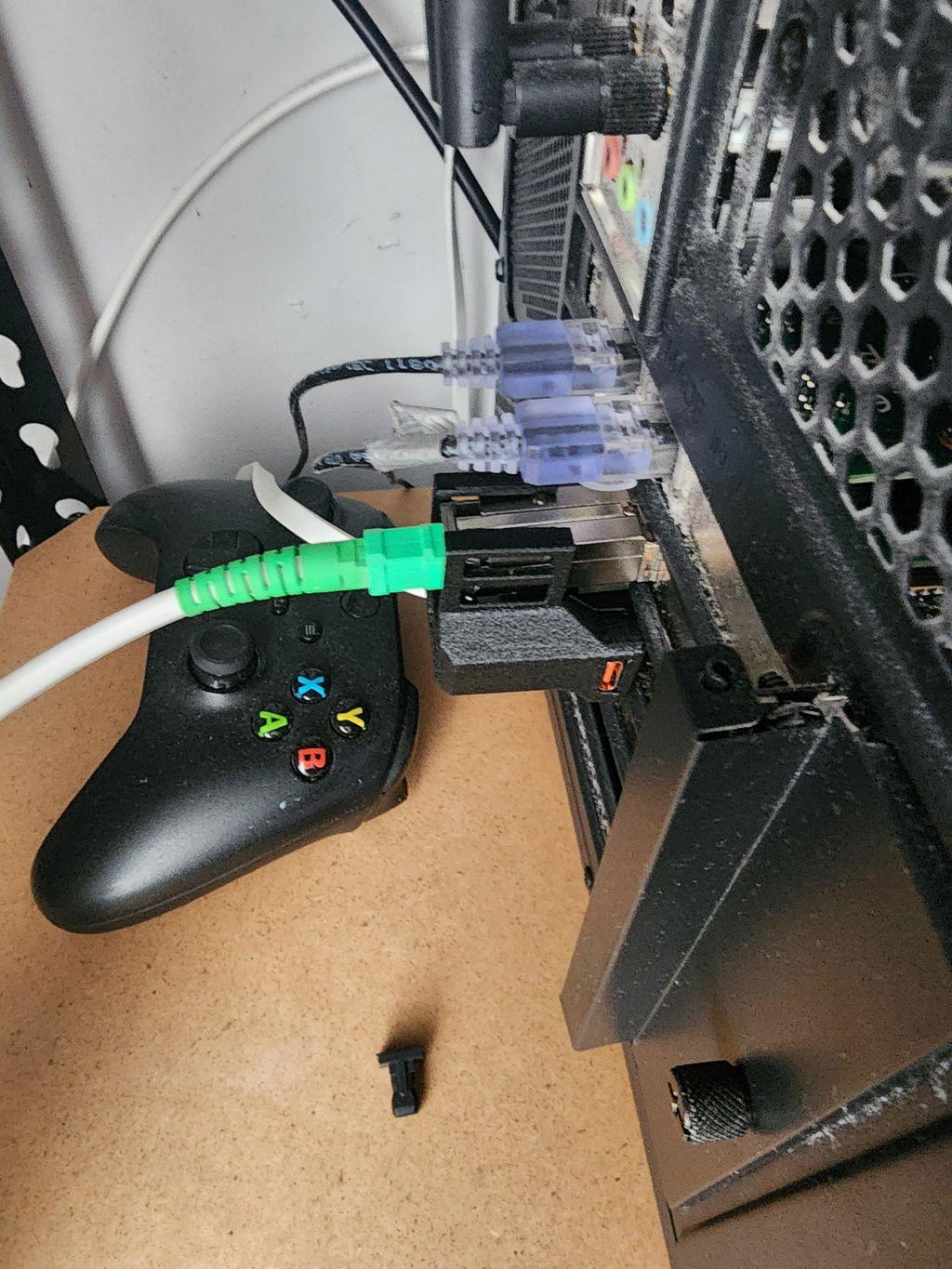
Worth every penny and very simple to setup. Highly recommend.
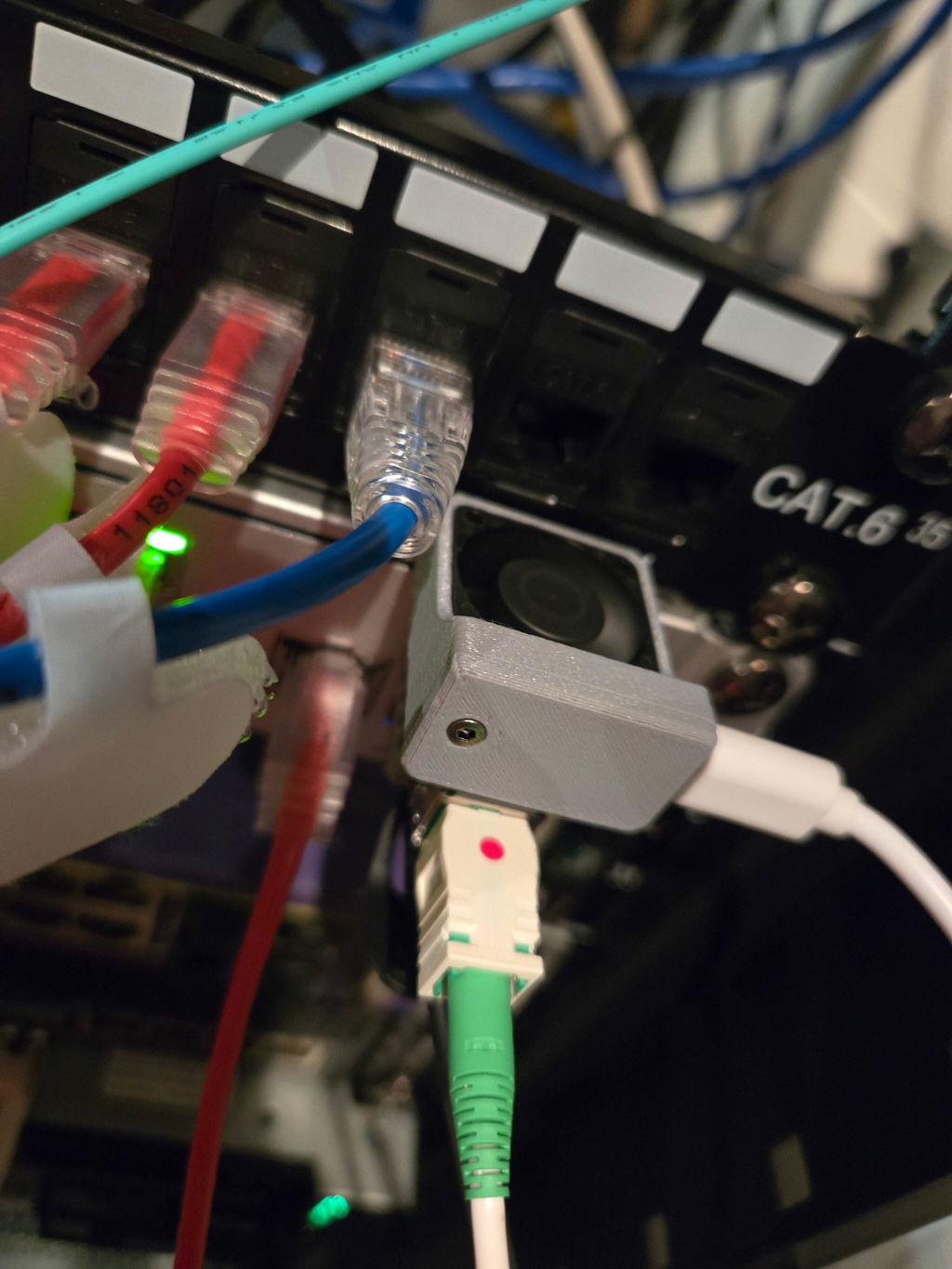
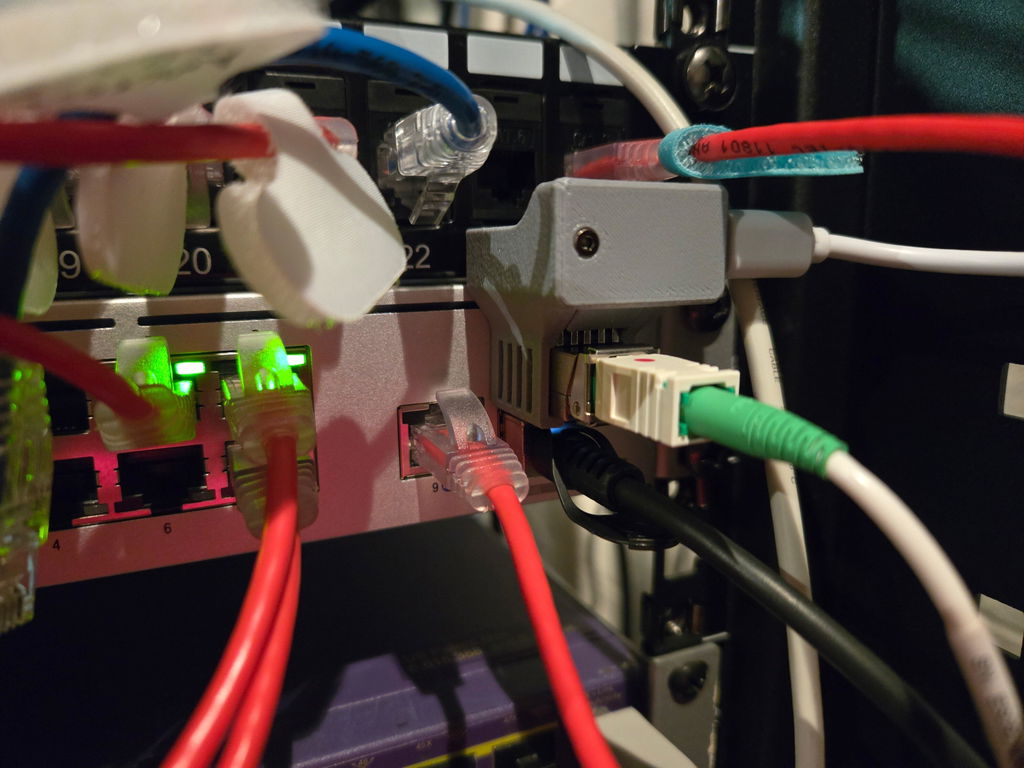
Worked great! Was super easy to get going as it was pre flashed deliver exactly as expected. I was up and running in about 30 minutes! Thank you again!!
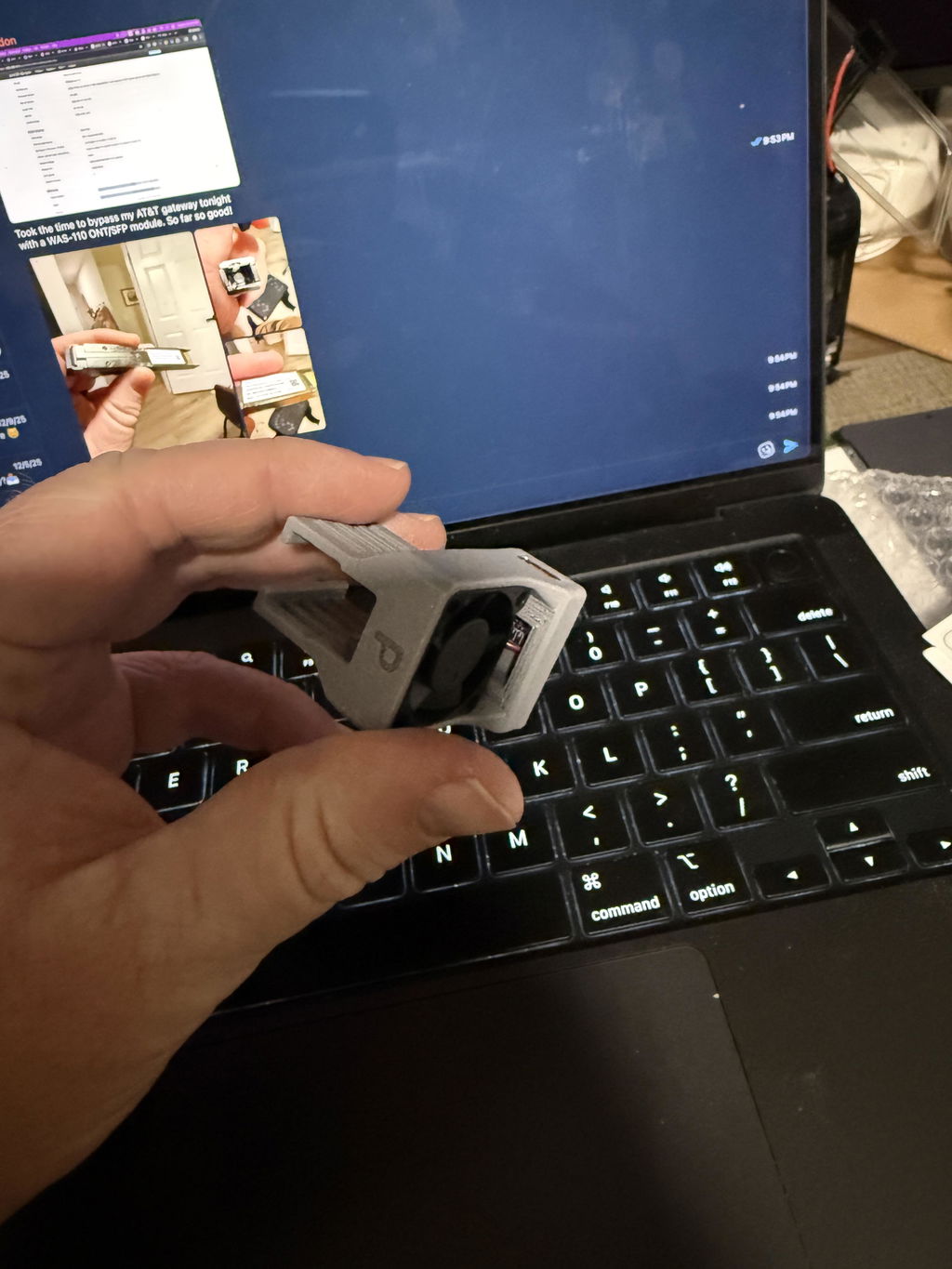
Great module at a very affordable price. My journey started a little over a week ago. My UCG-Fiber kept getting assigned an address from 192.168.1.0/24 for a handful of minutes per day, completely cutting out the internet. Furthermore, AT&T will only delegate a small number of IPv6 subnets (one /67 by default, not the 16 /64s I am allocated) to a downstream router. I was fed up with AT&T’s BGW320-500.
I dug into the wiki and then the Discord and I came upon EXEN’s cooler and X-ONU-SFPP. Literally 15 minutes after I ordered, the device was already shipped. The unit is pre-flashed with the latest firmware, and worked great out of the box.
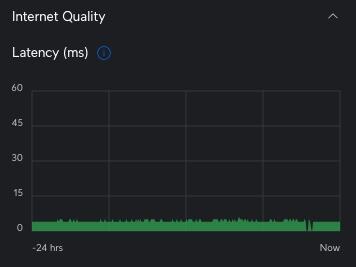
I spent less than 15 minutes from unboxing this unit until I was online. Now, it’s only been a little while, but my connection pings are already much more stable and I shaved off about 1ms from my latency. Just look at the screenshot — you can clearly tell how much more stable my latency is when I bypassed (just after the blank lines). I have a full /60 allocated to me and each of my VLANs has its own /64 delegated to it.
If you’re wondering whether you should bypass your AT&T gateway, just do it!
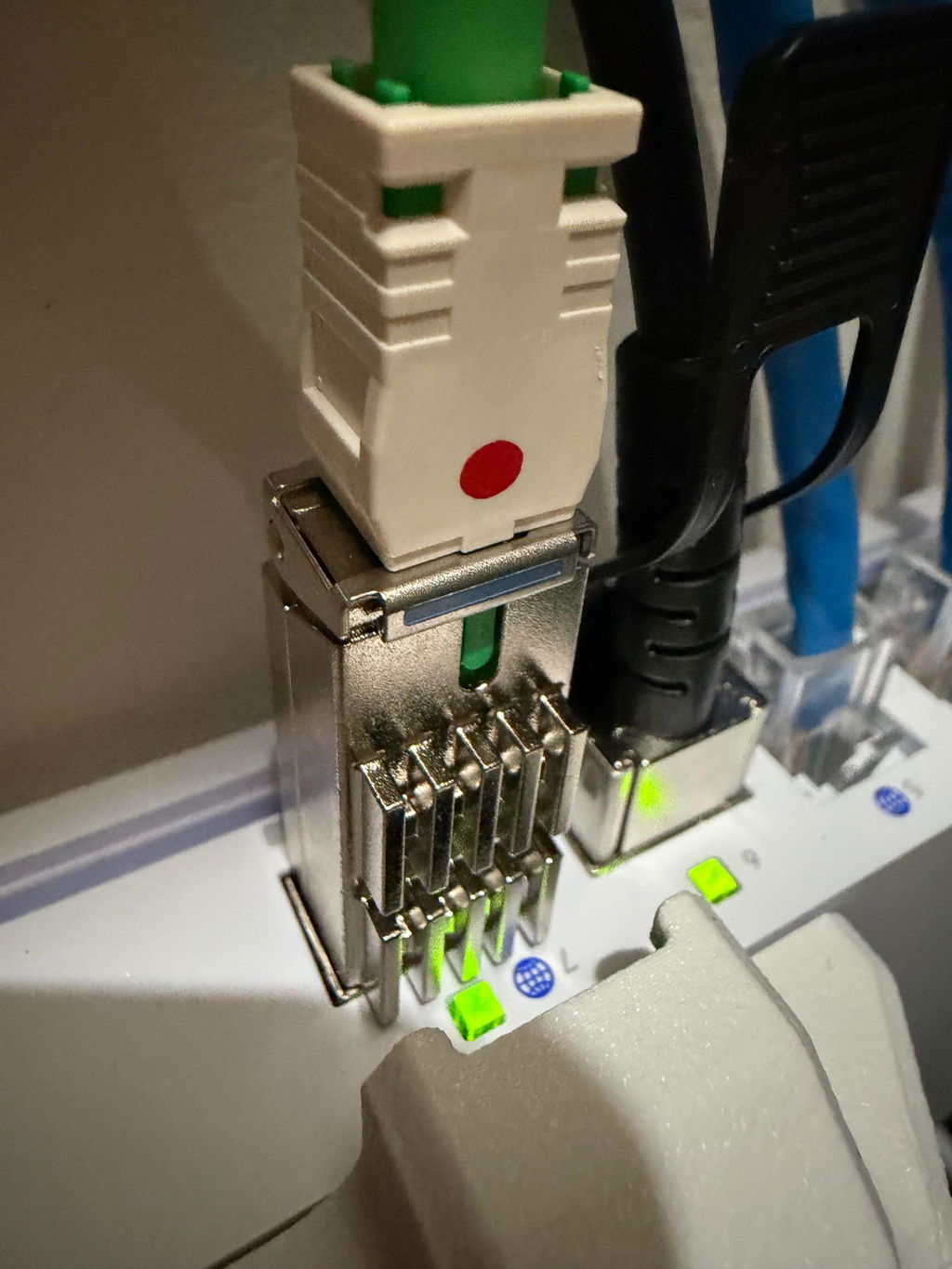
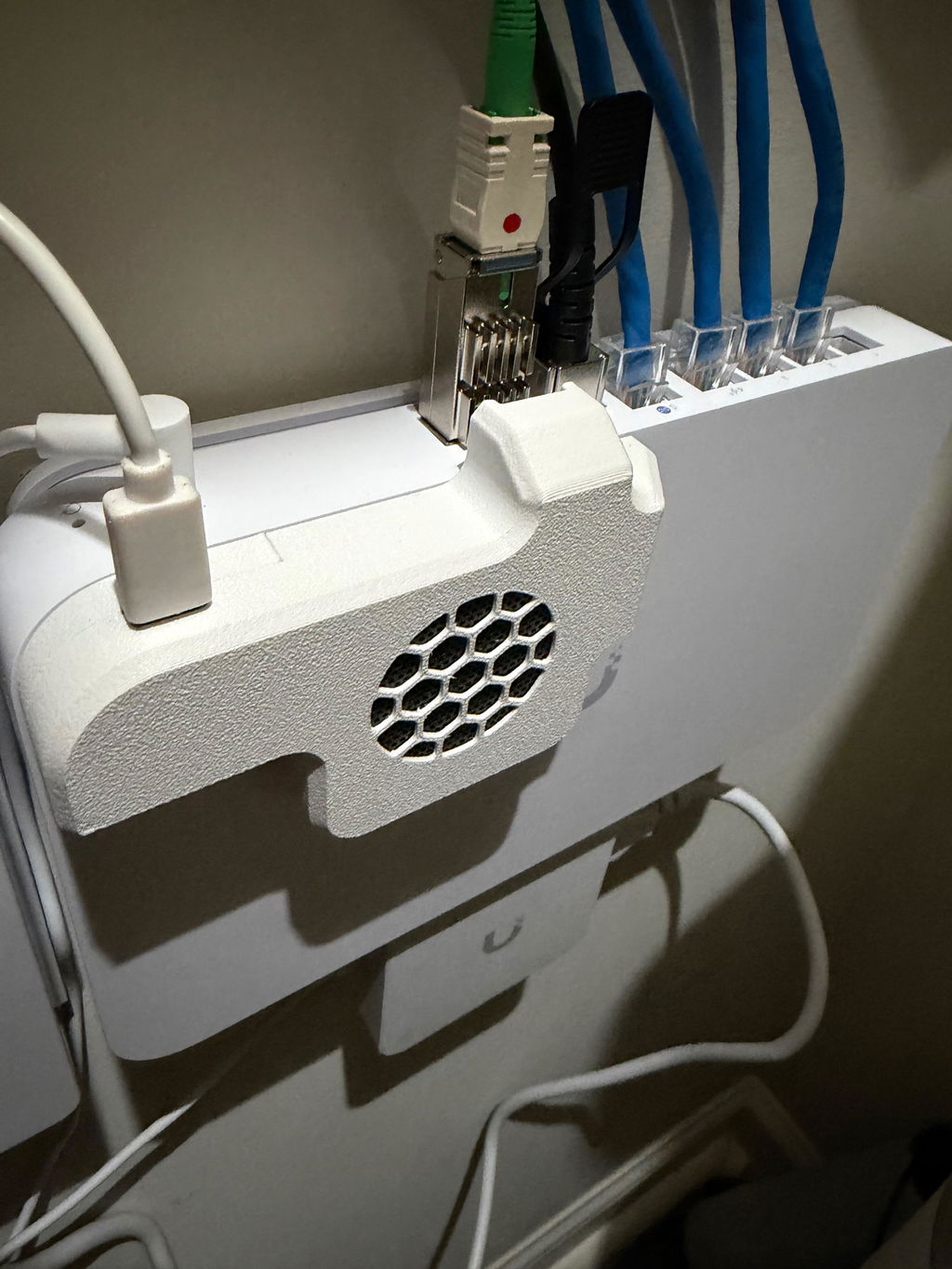
As a new AT&T fiber customer, I loved everything about my new fiber service aside from the big clunky BGW320 I apparently had to use even though I was using my own 10Gb UCG-Fiber router and WiFi access points.
While researching my options, I found the most fantastic 8311 community which had custom firmware I could load onto a specialized SFP+ module to act as the BGW320 allowing me to bypass and remove it entirely, I just needed to purchase a module.
Unfortunately, WAS-110 modules were mighty expensive and many vendors were affected by additional tariffs, possibly costing over $200 by the time it was in my hands. Some still needed to be flashed and others from foreign vendors, I couldn't exactly trust the flashed firmware wasn't modified in some way.
Then I discovered EXEN's X-ONU-SFPP offering, a WAS-110 alternative that arguably the same if not better, much cheaper, re-flashed with the official 8311 firmware and since he's importing them, there's no surprise tariffs! Exactly what I wanted!
I purchased this directly from EXEN along with his custom UCG-Fiber cooler which netted me an additional discount plus they shipped together.
They arrived in a timely manner, perfectly packed and protected.
The bypass for XGS-PON was made dead simple thanks to EXEN's preflashing and worked on my first try. I cannot recommend enough going this route for simplicity above all else. The UCG-Fiber cooler was also very well made, fits the dimension of my router perfectly and I'm confident it will last a long time.
Thanks again EXEN!
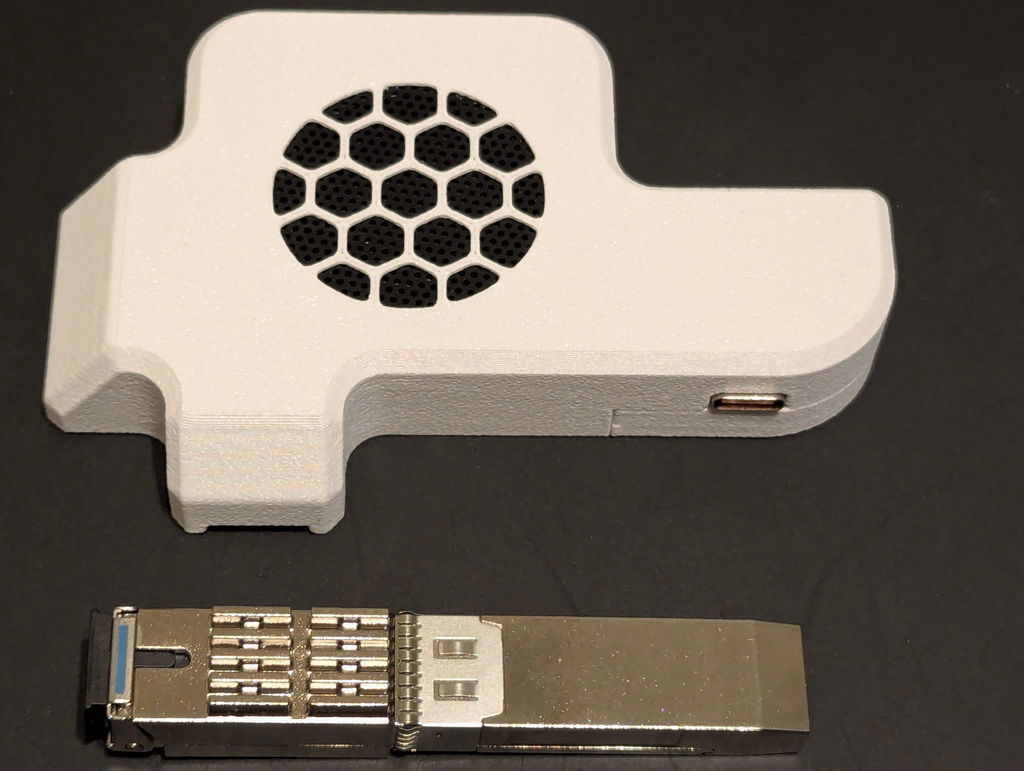
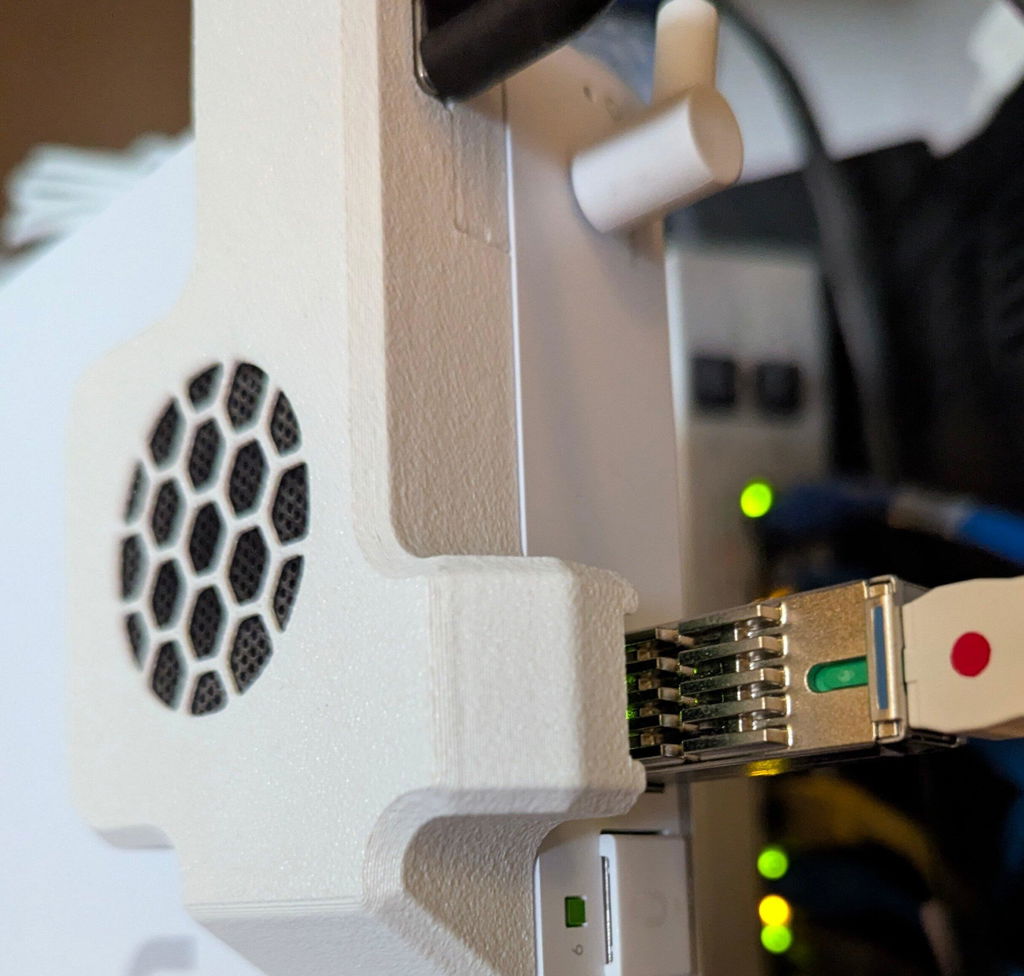
Very happy to get rid of the clunky Bell Canada Sagecom modem. The Wiki documentation was very clear and I was able to get everything up and running with the X-ONU-SFPP within an hour on my Mikrotik router. Dallas was very responsive in answering pre-sales questions. Great overall experience!
Worked as expected for ATT XGSPON
Easy to set up and great quality print on the fan housing!!
Finally ditched the ISP gateway—flawless XGS-PON bypass and amazing support
Replaced my AT&T gateway with the X-ONU-SFPP plugged straight into my UDM Pro, and it has been rock solid. Having it arrive pre-flashed with unmodified 8311 community firmware (plus the Azores bootloader for peace of mind) saved a ton of time. I did run into a few initial issues getting everything configured and reached out via email—their support was amazing. They responded quickly, knew their stuff, and helped me get everything dialed in smoothly. The module itself also has a cleaner footprint and runs a bit cooler than the WAS-110 without a glued-on heatsink trapping heat, though I still paired it with active cooling. Full line-rate speeds, lower latency, and no more gateway clutter.
Everything good 👍🏻 thanks!
very clean packaging. arrived on time.
works great, improved jitter and latency. no brainer installation.